 pelmet
Download
Pelmet / Features
Everything Pelmet does.
Pelmet is a Mac app for the MacBook notch. It turns the notch into a music player for Spotify and Apple Music, shows time-synced lyrics in four places, puts the song on the lock screen and the desktop, makes wallpapers from the album cover, and keeps a shelf for files. This page lists every feature and what each one asks for.
Updated

At a glance
- Music apps
- Spotify and Apple Music
- Notch island
- Live, open and large states; six pages; four looks
- Lyrics
- In the notch, on the desktop, on the lock screen and in the Lyrics Stage
- Lock screen
- Song card, controls, lyrics, four backgrounds
- Desktop
- Lyrics behind your windows; the cover as a vinyl, a jacket or a halo
- Pulse
- Light around the screen edge that moves with the music
- Wallpapers
- From the album cover, plus 12 built-in pictures
- Shelf
- Files dropped on the notch
- Needs
- macOS 14 or later, on any Mac. Built for the MacBook notch; Macs without one get their own island.
- Price
- $6.99 once, for two Macs. Three-day free trial with no card and no account. 14-day refund.
The notch island
While music plays, the closed island shows the cover and a few moving bars. Hover and it opens: cover, title, a scrubber you can drag and the controls. Swipe with two fingers between six pages: Now Playing, Lyrics, Shelf, Calendar, Weather and Timer. Four looks change how it is drawn: Classic, Floating, Liquid Glass and Frosted (the glass looks need macOS 26). Volume and brightness show in the ears of the notch for a moment. More on the island.
Lyrics
Time-synced lyrics, word by word, in the notch, on the desktop behind your windows, on the lock screen and in the Lyrics Stage (full screen or a window, ⌃⌥⌘L). 12 styles, 6 presets, 7 fonts and 3 backdrops. A second line can romanize the words or translate them on your Mac (translation needs macOS 26). Any line can become a lyric card to save or copy. More on lyrics.
Lock screen
The cover, the song, its controls and the lyrics while the Mac is locked. It can open on the card, a big cover or the lyrics. Four backgrounds: Flowing colours, Blurred, Cover and Aura, with a live preview in settings. The password field stays macOS’s own. More on the lock screen.
Desktop scenes
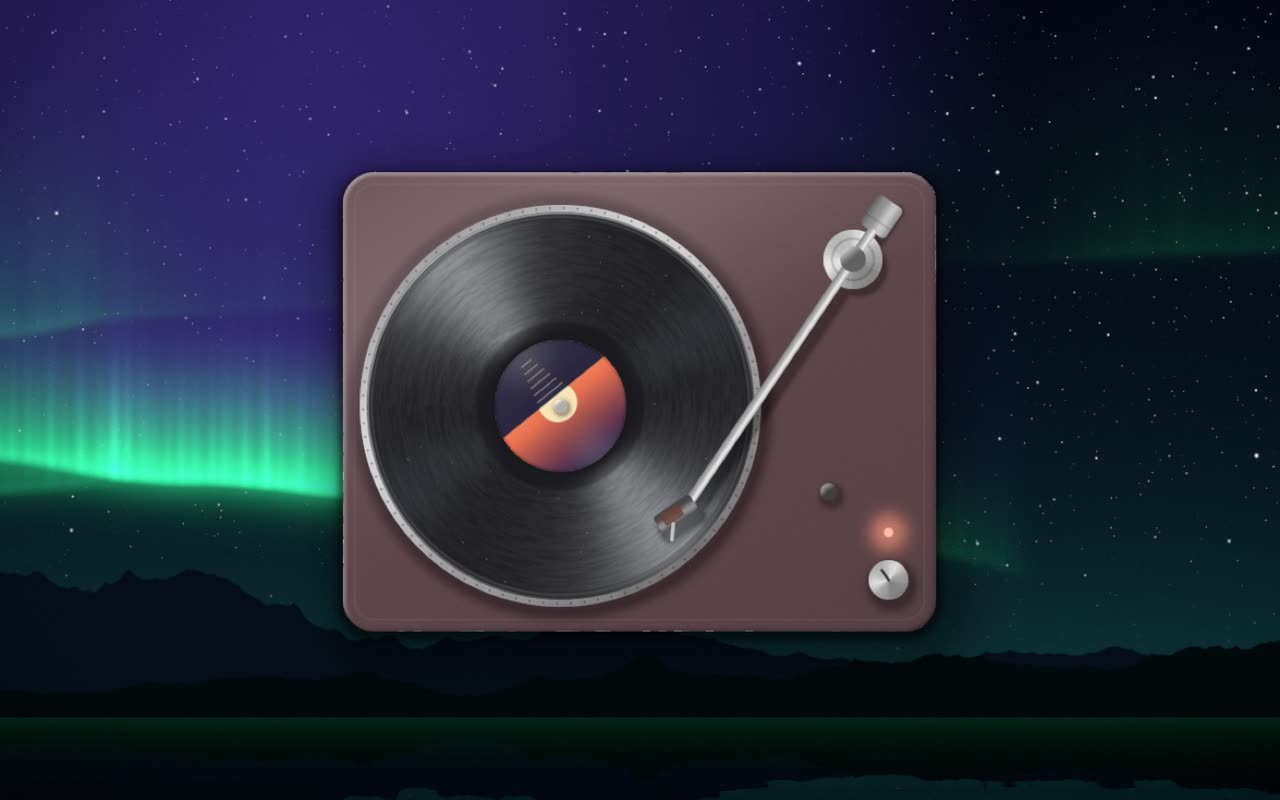
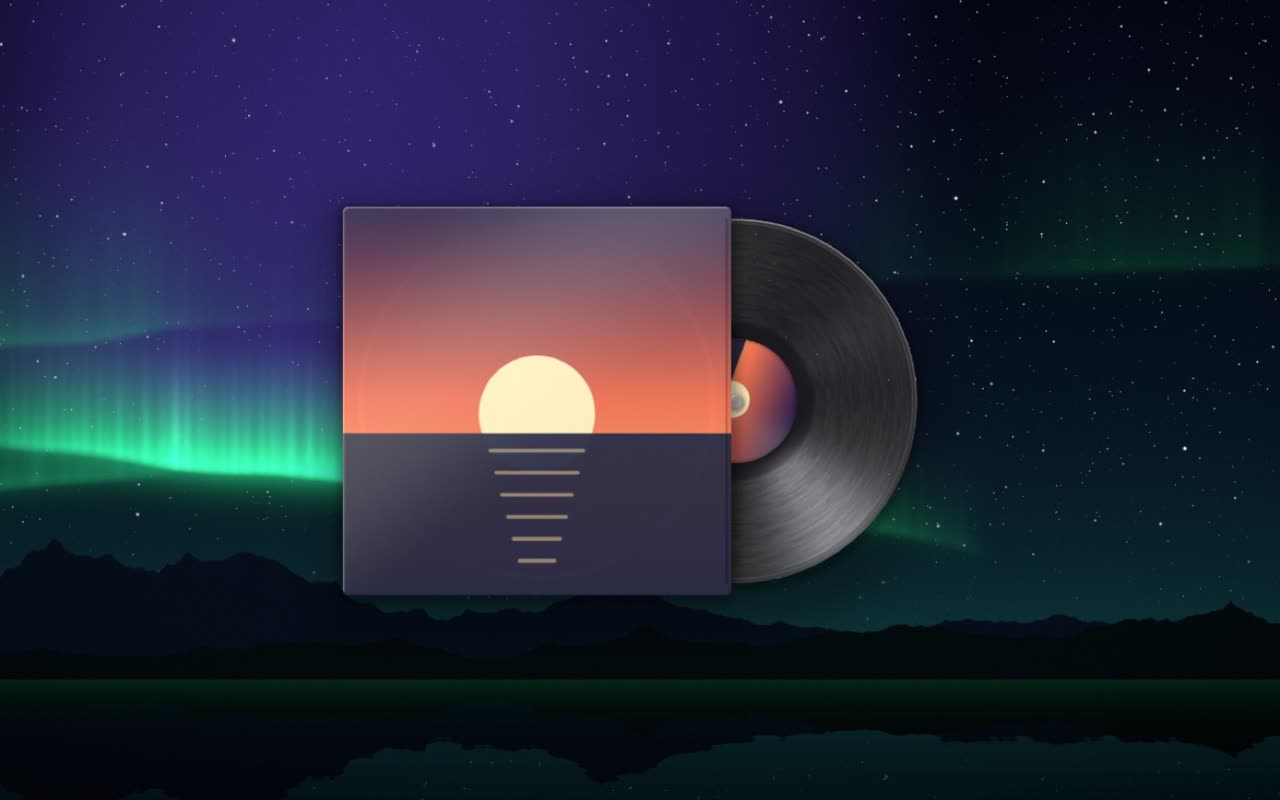
Drag the cover out of the island and it stays on the desktop as one of three scenes: Vinyl, a turntable with its tone arm; Jacket, a record sliding out of its sleeve; or Halo, a glass card with coloured light.
Pulse
Light around the edge of the screen that moves with the music. Four shapes: Sides, Corners, Edges and Runner. Calm mode glows without listening; Beat mode follows the music. Pulse is off until you switch it on, and it asks for permission to hear system audio. The sound is analysed on your Mac, never recorded or sent.
Wallpapers
Cover, Aura and Gradient wallpapers made from the album cover, which change with the song, and Oil paint, which turns the cover or any picture into a thick painting on canvas. 12 built-in pictures are drawn on your Mac. Set one for each display and undo in one step. More on wallpapers.
Small things
Shelf
Drop files on the notch; they wait there, even if you move the originals.
Side volume
A bar of light at the edge of the island, drawn in Metal.
Headphones
A short hello from the notch when they connect.
Timer
A countdown that sits in the island while you work.
A note field
One line, in the island, for the thing you must not forget.
Calendar
What is next today, with a button to join. Off by default.
Weather
A glance at the sky from the island. Off by default.
Mirror
A small round camera tile for a quick look before a call. Nothing is recorded.
Weekly listens
What you played this week, day by day, and what you played most. Export it as a picture.
Shortcuts
Play/Pause, Next, Previous, Show Lyrics Stage, Set Pulse and Current Song, in the Shortcuts app and the menu bar.
Open at login
Starts with your Mac if you want it to.
What it asks for
Pelmet asks for Automation access once for each music app. Everything else is asked only when you switch the feature on.
| Permission | Asked when | Used for |
|---|---|---|
| Automation | You first play a song in Spotify or Apple Music | Reading what is playing and sending play, pause and skip |
| System audio | You switch on Pulse | Following the beat. Analysed on your Mac, never recorded or sent. |
| Camera | You open the mirror | The mirror tile. Nothing is recorded. |
| Calendar | You switch on the Calendar page | Showing what is next. Stays on your Mac. |
| Location | You switch on Weather | Weather, from a location rounded to about a kilometre. Or type a city instead. |
Privacy
Pelmet has no account and no analytics. To find lyrics it sends the song’s title, artist, album and length to lrclib.net, or music.163.com as a fallback. Weather, if you switch it on, sends a rounded location. Your listening log, notes, calendar, camera and translations stay on your Mac. The privacy policy has the full list.
Questions
What does Pelmet do?
Pelmet turns the MacBook notch into a music player for Spotify and Apple Music. It shows time-synced lyrics in the notch, on the desktop, on the lock screen and full screen, puts the song on the lock screen, makes wallpapers from the album cover, and keeps a shelf for files in the notch.
What do I need to run it?
A Mac with macOS 14 or later. A notch is not required. Spotify or Apple Music for the music features.
Does Pelmet collect data?
Pelmet has no account and no analytics. Lyrics lookups send the song’s title, artist, album and length; weather, if switched on, sends a rounded location. Everything else stays on your Mac.
How much does it cost?
$6.99 once, for two Macs, with every update included. Three-day free trial, no card and no account. 14-day refund.
More about Pelmet
- Notch islandA Dynamic Island-style player in the MacBook notch, with lyrics, a shelf, calendar, weather and a timer.
- Live lyricsTime-synced lyrics for Spotify and Apple Music in the notch, on the desktop, on the lock screen and full screen.
- Lock screenThe cover, controls and lyrics on the Mac lock screen, with four backgrounds.
- Cover wallpapersA Mac wallpaper made from the album cover, that changes with the song.
- PelmetThe home page: the island, lyrics, lock screen, shelf and price.
Get Pelmet
Try it free for three days.
Every feature, no card and no account. After that, Pelmet is $6.99 once, for two Macs, with every update included.
macOS 14 or later · Spotify and Apple Music · 14-day refund