01 Live activity
It listens quietly.
While music plays, the closed island shows the cover and a few moving bars. Nothing else asks for your attention.
An island for the MacBook notch
Pelmet turns the notch into a player, a lyric stage and a shelf for your files. For Spotify and Apple Music.
01 Live activity
While music plays, the closed island shows the cover and a few moving bars. Nothing else asks for your attention.
02 Hover
Cover, title, a scrubber you can drag and the controls. Click the cover to bring the player forward.
03 Volume & brightness
Turn it up and the level shows on either side of the notch for a moment, then gets out of the way.
04 Looks
Change how the island itself is drawn. The glass looks need macOS 26.
Lyrics
Stars
The backdrop
Put on a record
Paper Lanterns · Mira Solen
Where it shows
The same song can take over the lock screen, sit on the desktop, trace the edge of your display or become the wallpaper.
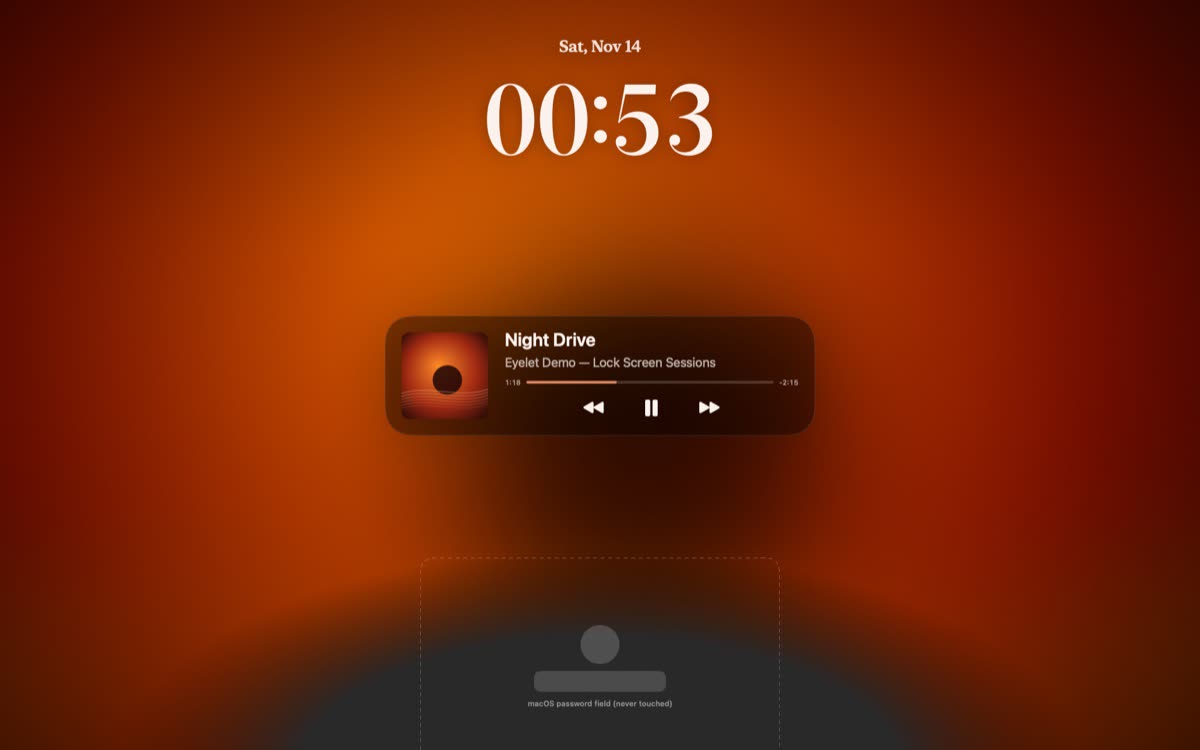
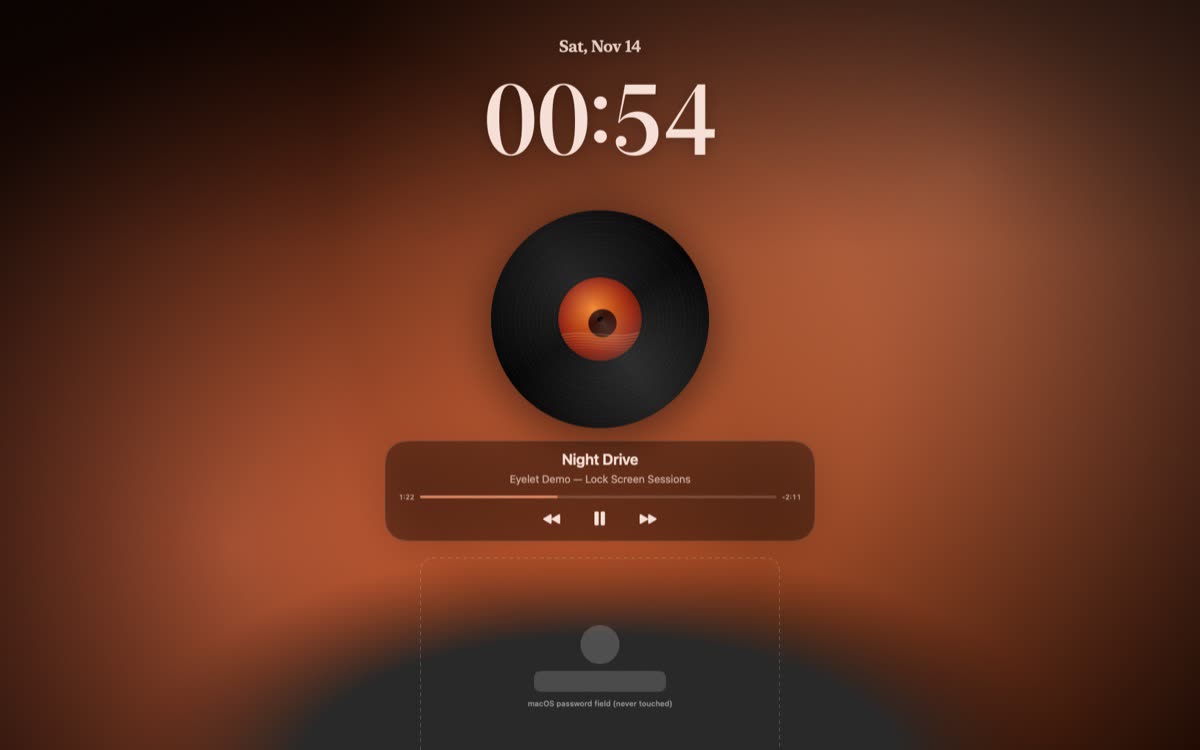
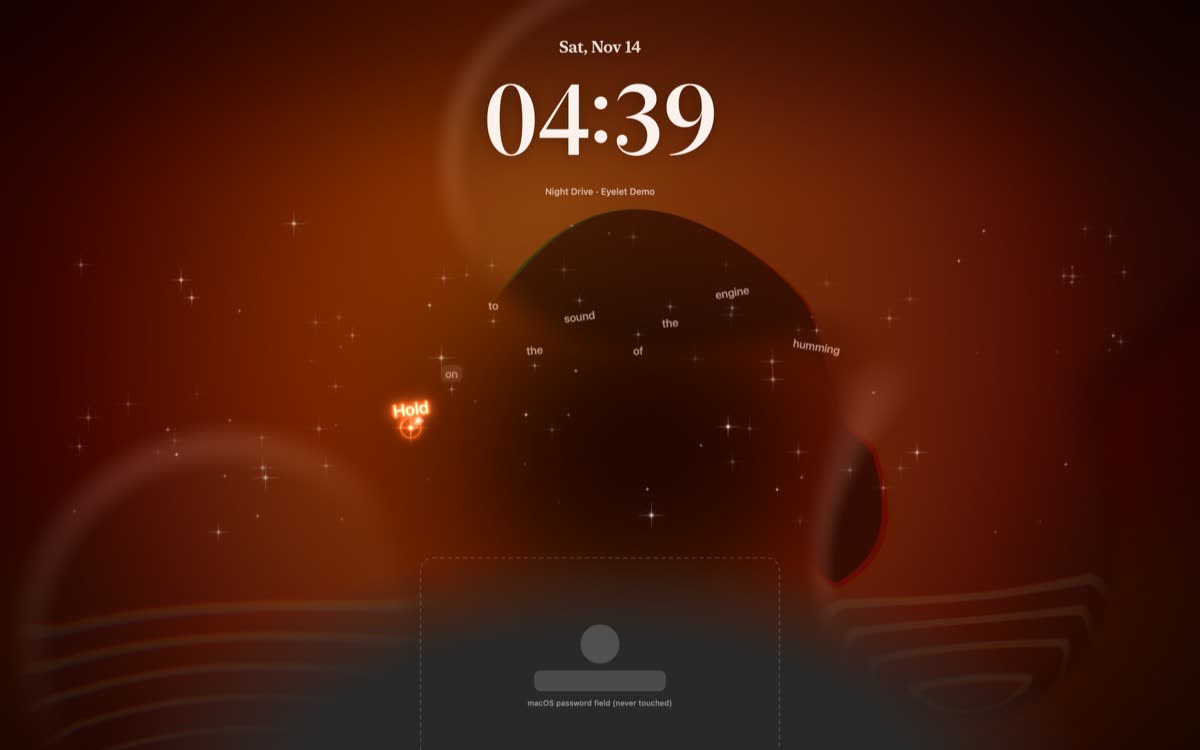
The cover, the song, its controls and the lyrics, while the Mac is locked. Four backgrounds to pick from. The password field stays exactly where macOS puts it.
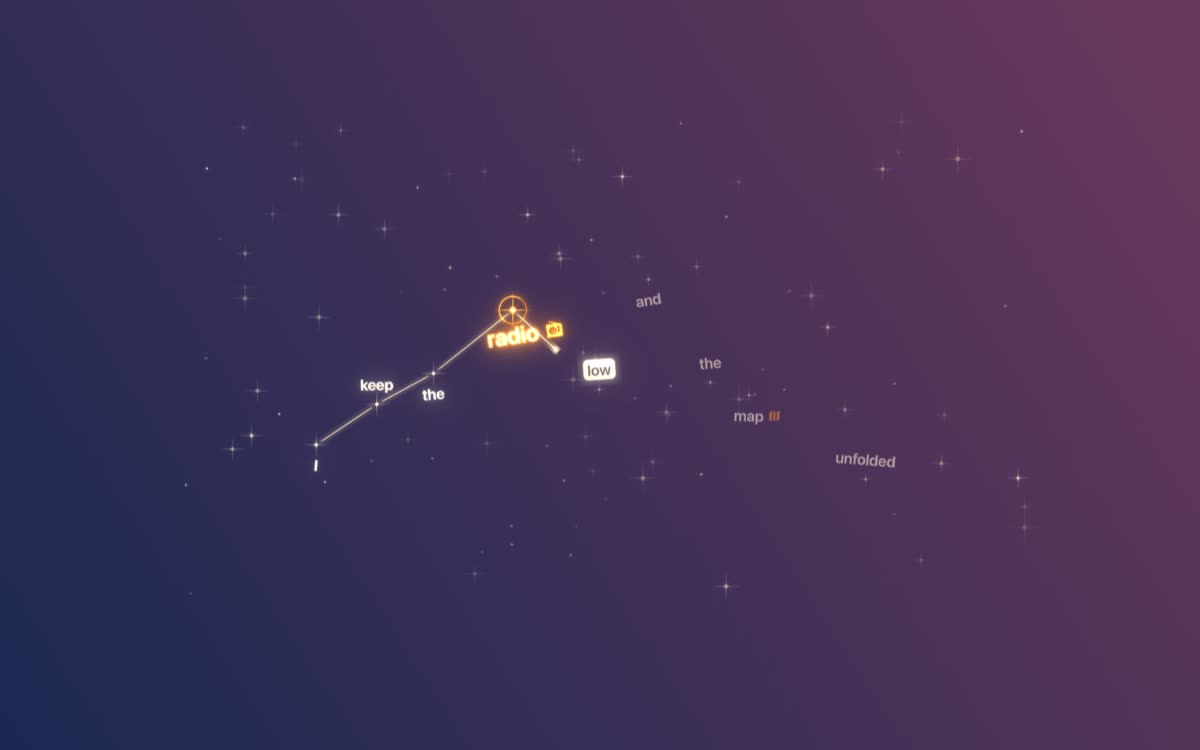
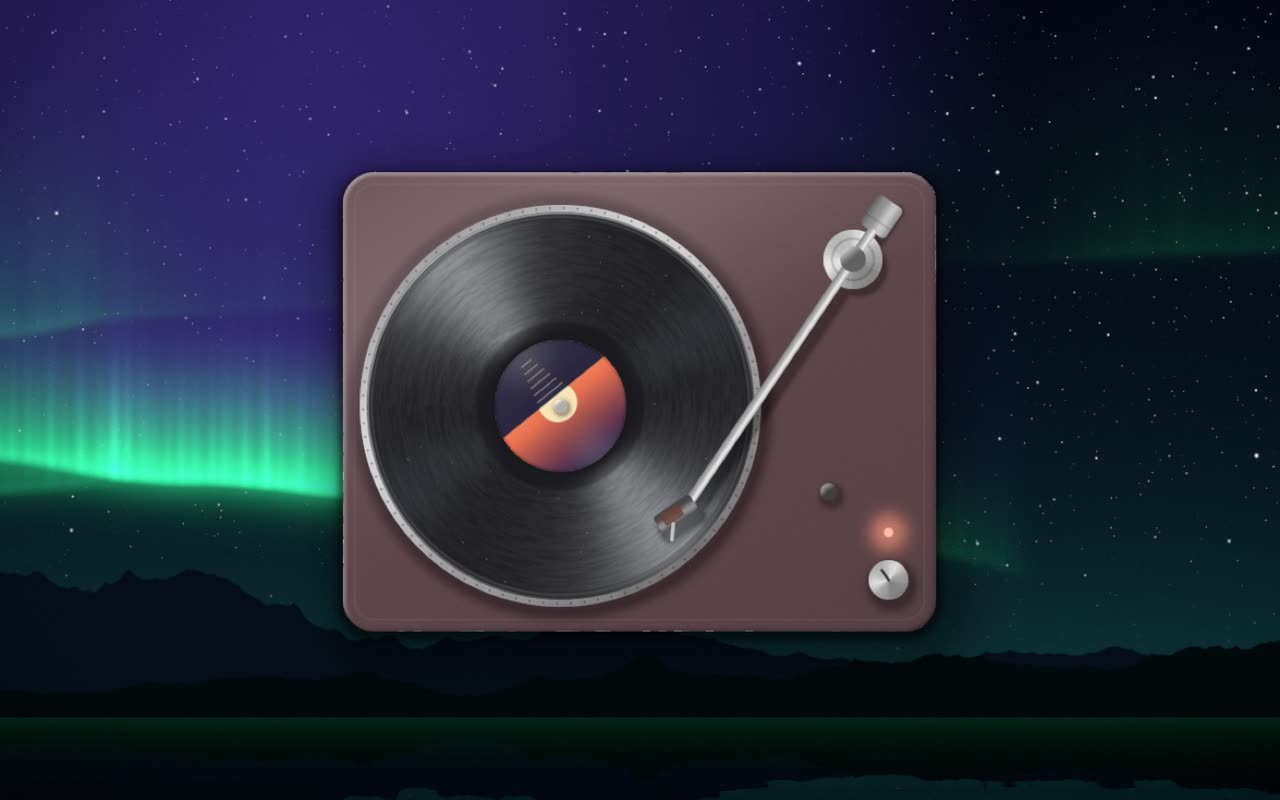
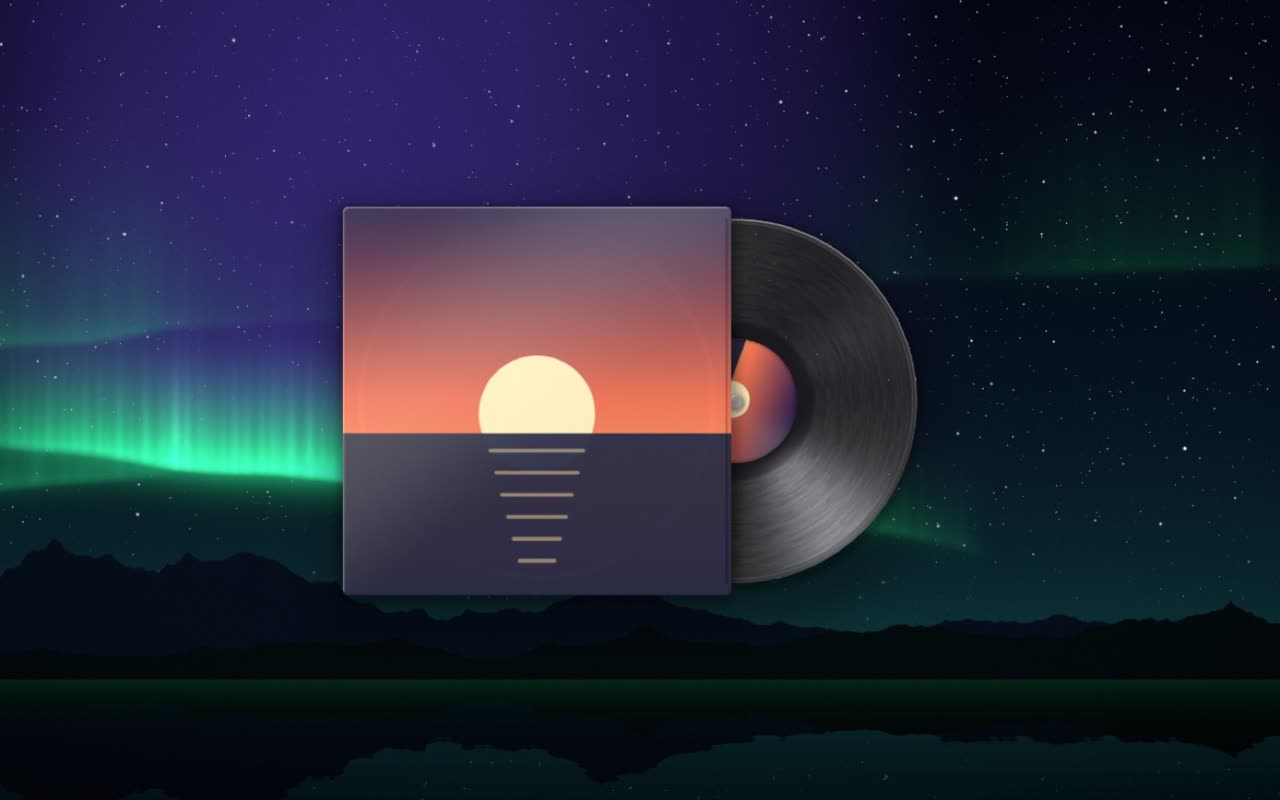
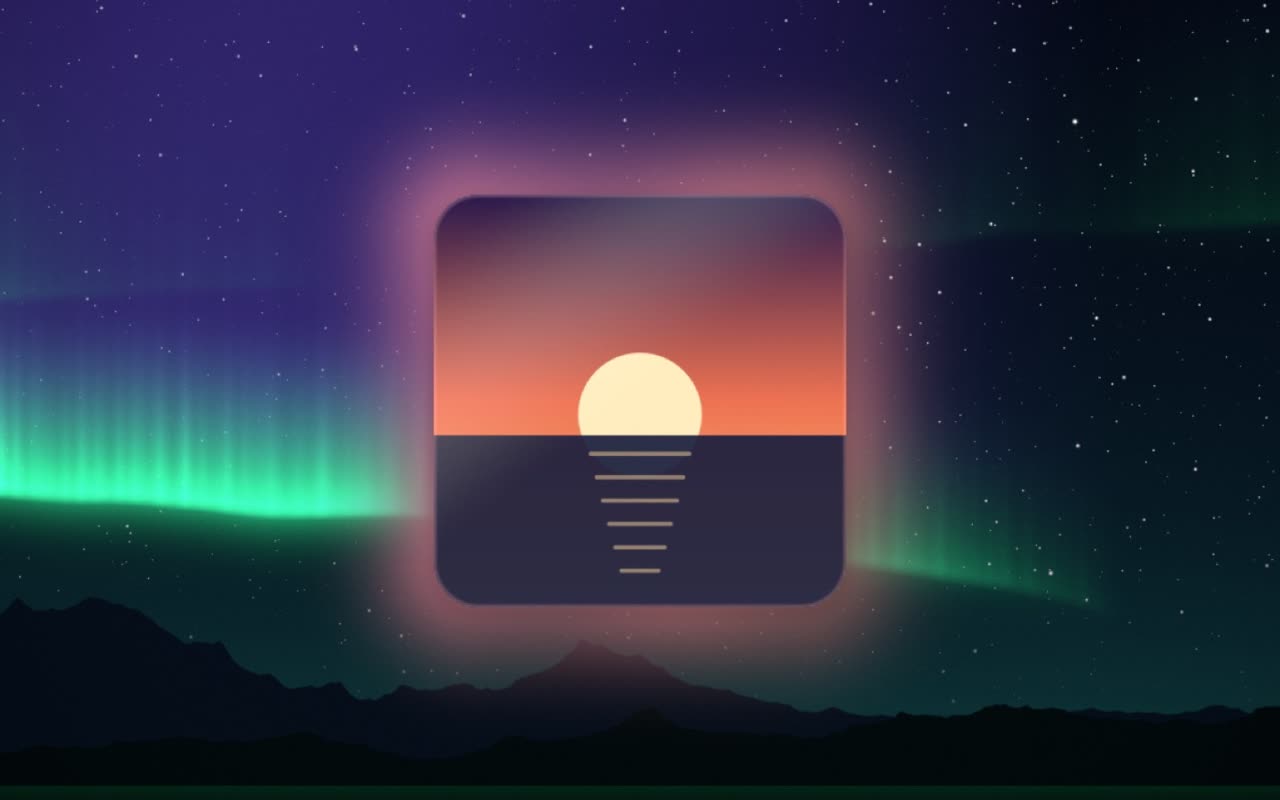
Lyrics behind your windows, one word at a time. Drag the cover out of the island and it stays on the desktop as a vinyl, a jacket or a halo.

Sides · look at the edge of this page
Light around the edge of the screen that moves with the music. Four shapes, calm or on the beat. Off until you switch it on.










Oil paint turns a picture into a thick painting on canvas. Use the cover of what is playing, or load a picture from your Mac. Pick one for each display.
The shelf
Drag files up to keep them close, drag them back out when you need them. Double-click to open. They stay put even if you move the originals.
Small things

Paper LanternsMost played14×
let the city hum itself to sleep
Paper Lanternsla ville s’endortthe city falls asleep
A bar of light at the edge of the island, drawn in Metal.
01 / 13
Price
No subscription and no account. Try everything for three days, then decide.
One-time purchase
$6.99
Questions
Pelmet is a Mac app that turns the MacBook notch into a music player for Spotify and Apple Music. It shows the song and controls in the notch, time-synced lyrics in the notch, on the desktop and on the lock screen, and a shelf for files. It costs $6.99 once, with a three-day free trial.
Any Mac on macOS 14 or later. It is built around the notch, and on a Mac without one it draws its own small island at the top of the screen. It can show on every display.
Spotify and Apple Music. You choose which one Pelmet prefers when both are open.
Automation access, once for each player. That is how Pelmet reads what is playing and sends play, pause and skip. Everything else is asked only when you switch the feature on: system audio for Pulse, the camera for the mirror, your calendar, and your location for weather.
Yes, but it is not in Pelmet yet. When it comes, it will unlock the Mac with your face at the lock screen, using the built-in camera, and keep everything on your Mac. It will be off by default. A photo or video of you may fool a webcam, so it will be a convenience, not a security feature.
From lrclib.net, with music.163.com as a fallback. To find them, Pelmet sends the song’s title, artist, album and length. Weather, if you switch it on, sends a rounded location. Your listening log, notes, calendar and camera never leave the Mac. The privacy policy has the full list.
No. Pelmet costs $6.99 once and the licence is yours, with every update included.
Download it and use everything for three days. No card and no account. After that it asks for a licence.
Two, with one licence.
Yes, within 14 days of buying, for any reason. The terms say how.
Get Pelmet
macOS 14 or later · Spotify and Apple Music